NSFW Game Guide - NSFW Academy
How to activate my VIP in my NSFW game through WishPlug
This guide walks you through connecting your WishPlug VIP membership to the game, step by step.
What are WishPlug & VIP?
WishPlug is the account system that connects your game, website, and community together. As a thank-you for supporting the project, VIP is an exclusive pledger benefit that unlocks optional in-game cosmetics and bonus features by linking your Patreon or SubscribeStar account.
WishPlug is completely optional and is never required to play or enjoy the game. It was built to make supporter rewards automatic, secure, and easy to access, while giving back to the amazing people who help make this project possible.
On this page
Before You Start
You’ll need:
- A current Patreon or SubscribeStar membership.
- Access to the Discord account connected to that membership.
- An internet connection while linking or checking status.
VIP benefits are checked through the WishPlug app in-game. If you start a new save, open WishPlug and use the VIP check/link flow so the save can confirm your current status.
Step-by-Step Guide
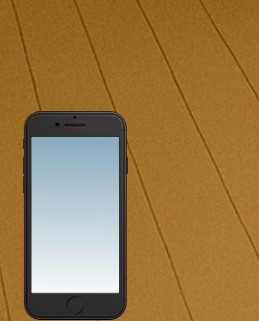
Open Your Phone
From the game screen, open the in-game phone.
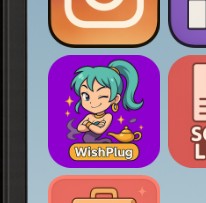
Open WishPlug
In the phone, select the WishPlug app.
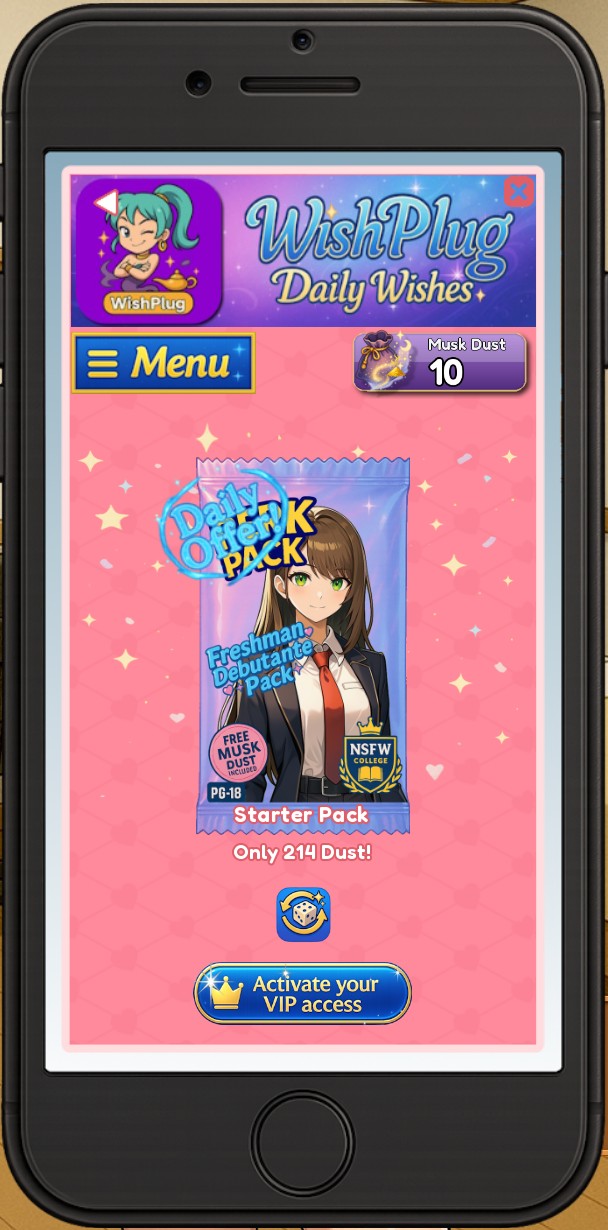
Press the VIP Button
On the WishPlug home screen, look for the VIP button near the bottom of the app screen. Press it to open the WishPlug VIP Link screen.
If your VIP is already active on this save, you may see a VIP badge and tier name instead of the link button.
Start the Discord Link
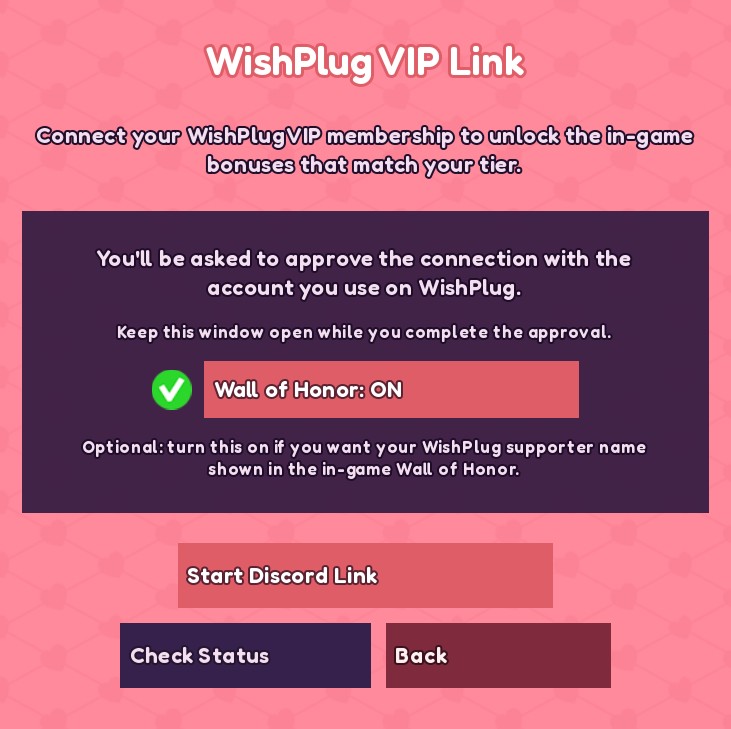
On the WishPlug VIP Link screen, press Start Discord Link.
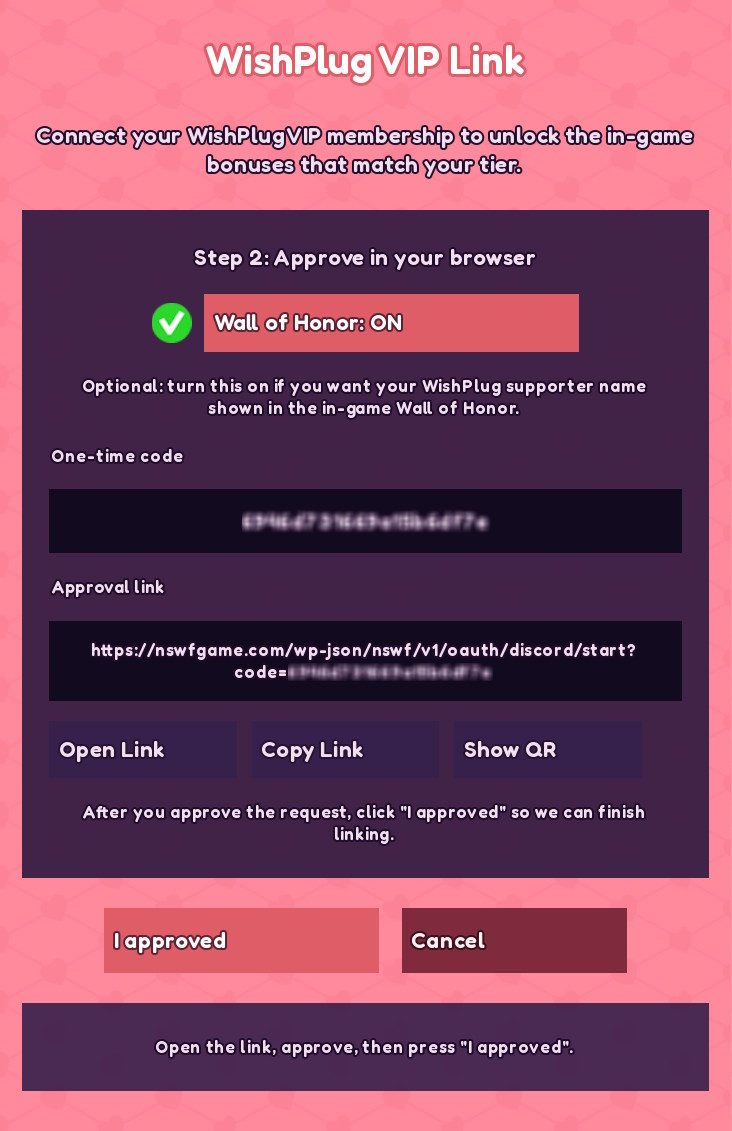
The game will generate a one-time approval code and an approval link. Keep the game window open while you finish the browser step.
Open the Approval Link
Use one of these options:
- Press Open Link if your device supports it.
- Press Copy Link, then paste it into your browser.
- Press Show QR and scan the QR code with your phone.
Approve the Connection
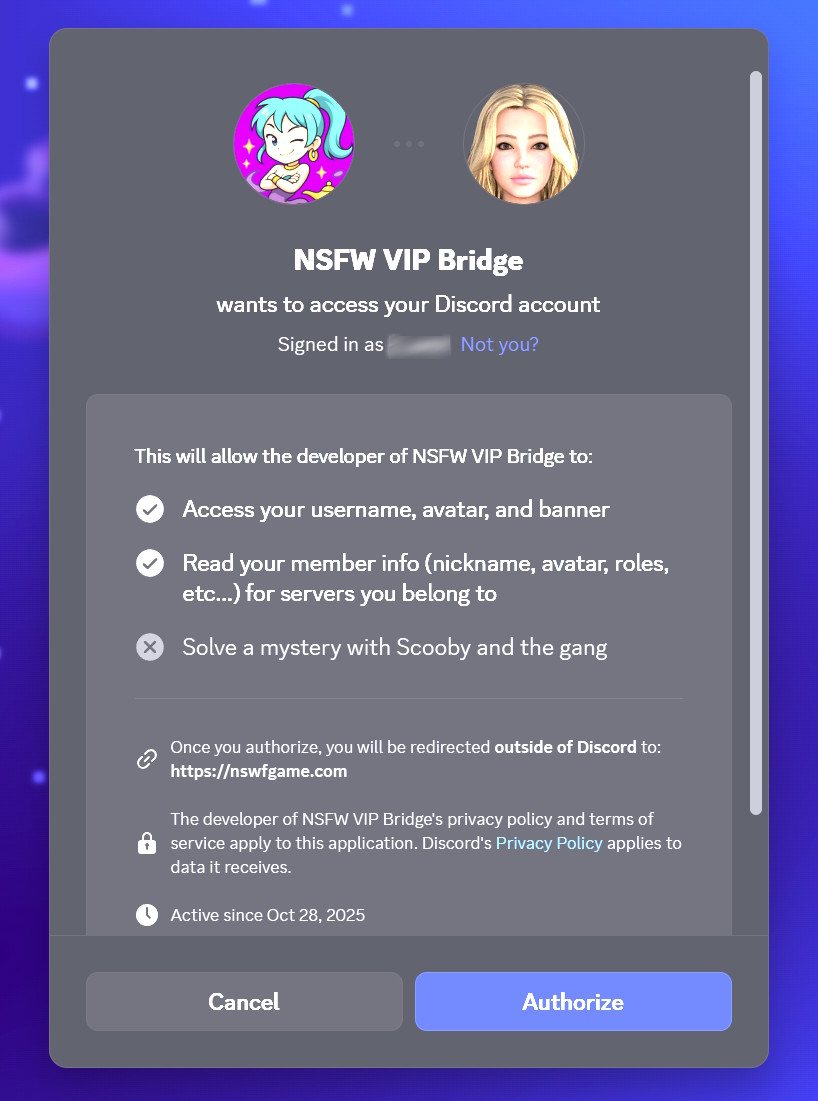
In your browser, log in if asked, then approve the connection with the Discord/WishPlug account that has your VIP membership.
Make sure you approve with the correct account. The game can only apply VIP benefits for the account that the server confirms.
Return to the Game
After approving in the browser, go back to the game and press I approved.
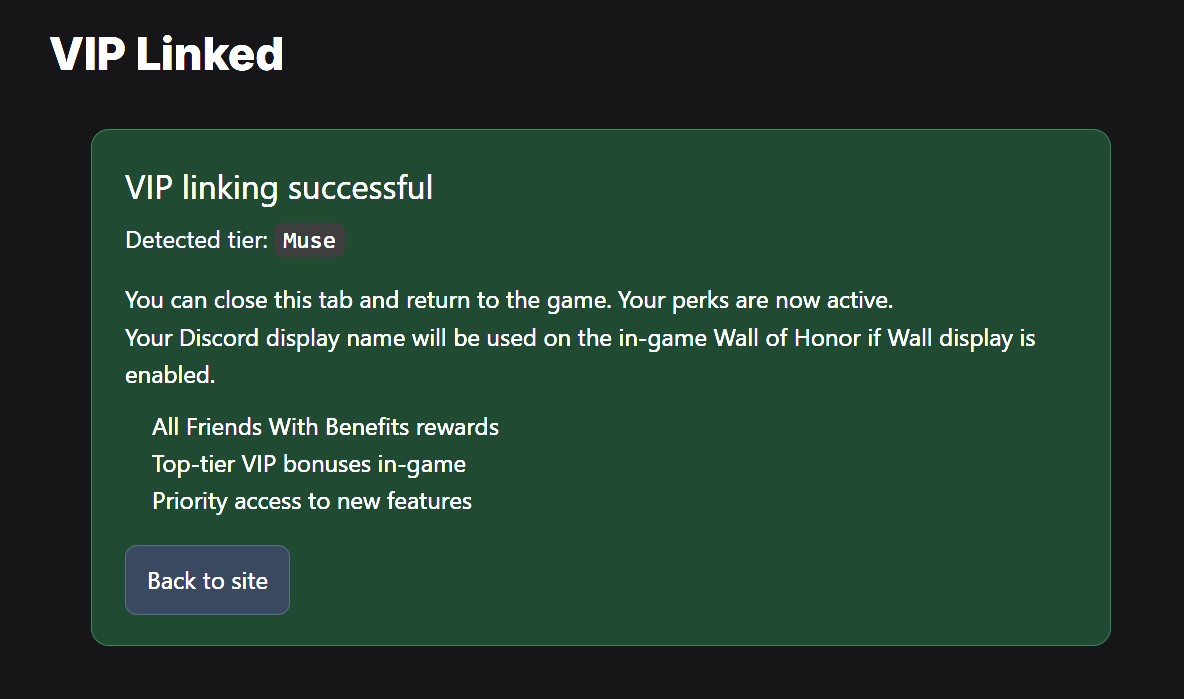
The game will check the link and confirm your VIP tier.
Confirm Your VIP Is Active
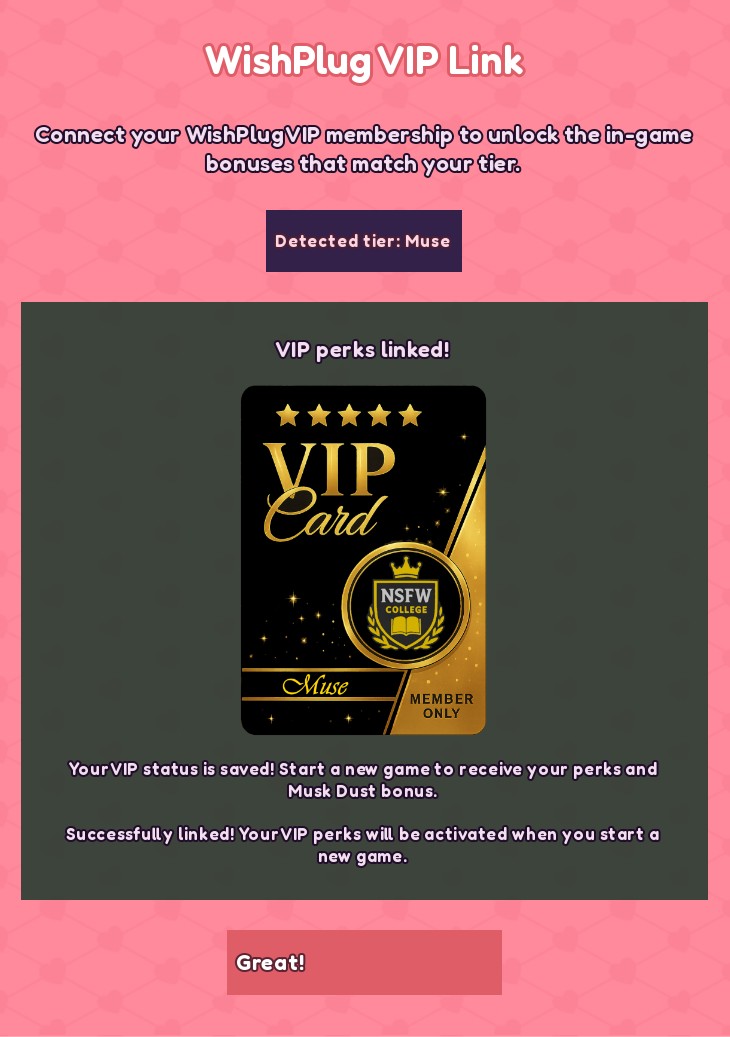
When linking succeeds, the screen shows that VIP perks are linked. Close the VIP screen and return to WishPlug.
On the WishPlug home screen, you should see your VIP badge and tier, such as:
- VIP: Friends
- VIP: Friends With Benefits
- VIP: Muse
What VIP Unlocks
VIP benefits depend on your tier, but may include:
Checking VIP Later
Use Check Status when:
- Your VIP tier changed.
- You renewed, upgraded, downgraded, or cancelled VIP.
- Your VIP benefits are not showing.
- You started a new save and need to verify your current membership.
Open WishPlug, open the VIP screen, then press Check Status. The game will contact the server and update the save based on your current membership.
If Something Goes Wrong
Try these fixes first:
- Check your internet connection.
- Close and reopen WishPlug.
- Restart the game and try again.
- Use Start Discord Link again if the old link expired.
- Make sure you are using the Discord account that has VIP access.
- Wait a few minutes if you just changed your Discord role or membership tier.
If VIP still does not appear, use Check Status again and note the message shown on screen.
Quick FAQ
Do I need to link every save?
Each save needs to have VIP applied or verified. Use WishPlug’s VIP screen in the save where you want the benefits.
Will checking VIP delete my save?
No. It only updates VIP status and benefits.
What if my VIP expired?
When you press Check Status, the game removes expired VIP benefits from the save.
What if the link expired?
Start a new Discord link from the VIP screen and approve the new link.
What if I used the wrong Discord account?
Start the link flow again and approve with the correct account.